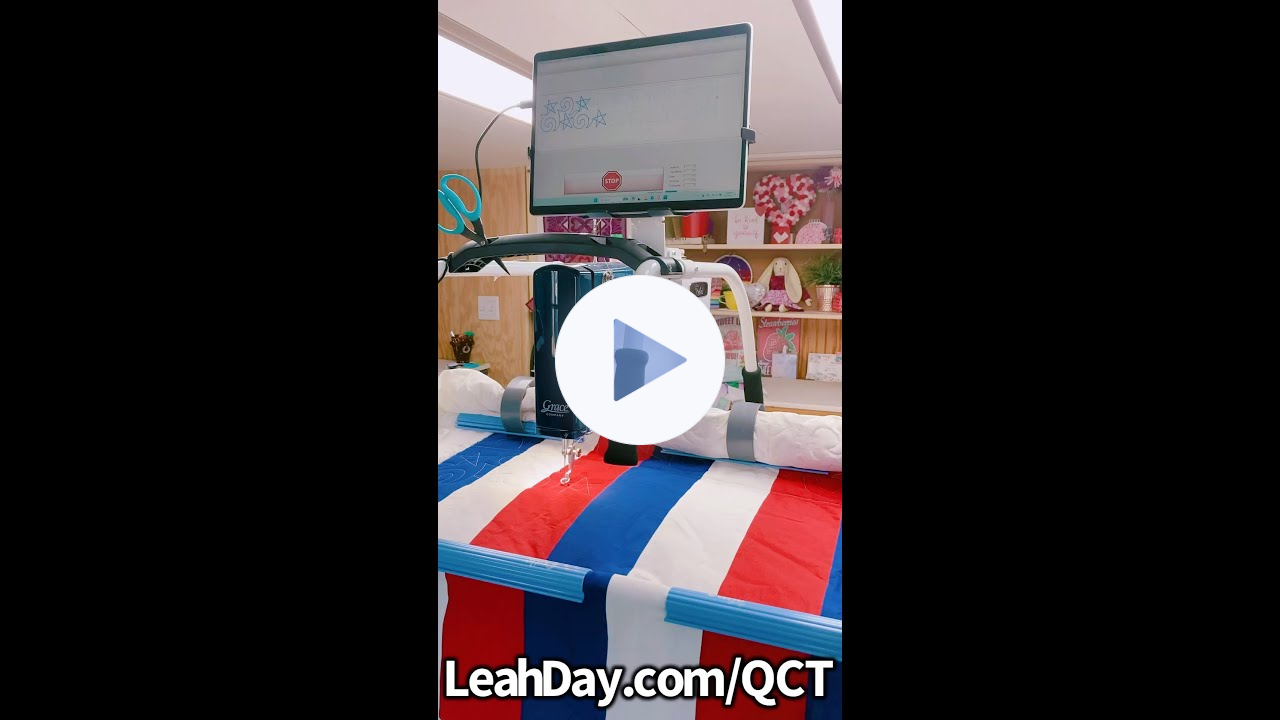
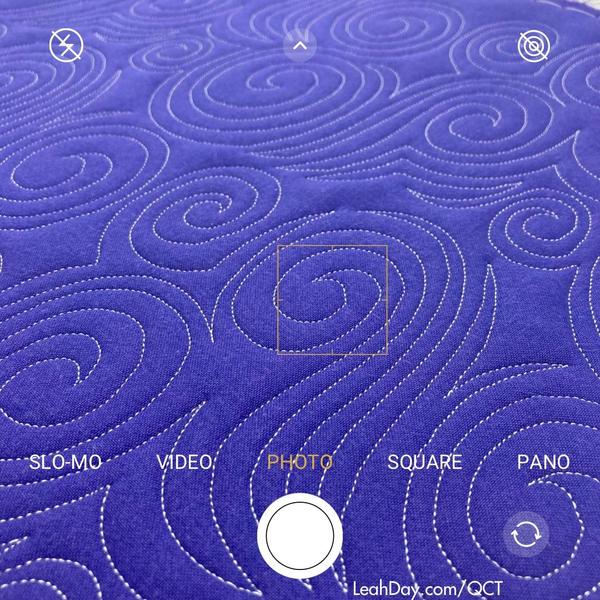
How do I place and stitch block designs or triangles?
In order to place individual designs into specific spaces on your quilts, you'll need to update to QCT 6 Plus. We have 3 levels of the Quilter's Creative Touch software now, which means
you can get started with computerized quilting. Here's a bit about each level:
QCT 6 - Baseline level of the software designed for edge-to-edge quilting only using the built-in designs in the software.
QCT 6 Plus - Formerly called QCT 5 Beginnings. This level gives you the ability to import designs, place and stitch blocks, triangles, and more complex pantograph designs.
QCT 6 PRO - Formerly called QCT 5 PRO. This level expands your abilities with pantograph designs, allows you to record yourself quilting a design and save it as a new design you can stitch repeatedly.
QCT 6 PRO + Gold Card - This is a 1 year subscription to the highest level of the software with amazing tools like Pattern Eclipse which allows you to cut away a design around applique or pieced shapes on your quilt. You can also download a collection of 5 - 10 new Gold Card designs each month.
Did you know I'm a designer for Gold Card? Each month in 2024, I'm sending 5 new designs to QCT so you have even more creative quilting designs!
I have QCT 5 beginnings - How do I upgrade to QCT 5 Pro?
If you already have QCT 5 Beginnings, you’ll need to update your software to QCT 6 Plus (new name, same
software level). Once you update using the software you have now, then you can purchase an upgrade to go to QCT 6 PRO.
Click
Here to learn more about upgrading. We have several options available, including an ultimate upgrade that includes one year subscription to Gold Card - the very best features of the program!
Do
you have more questions about computerized quilting? Reply to this email and ask - I may just use your question in a new video as we're sharing new tutorials on computerized quilting in March.