Let's learn more about QCT 6 this week by answering the most frequently asked questions about computerized quilting:
What software level should I start with?
There isn't a straight forward answer to this
question. It's easy to say just start with the basics and get the starting level of QCT 6. But some quilters want more from the very beginning and it's good to understand the differences between the software levels.
So here's a little cheat sheet - Which describes you best? Click the links to go to a tutorial to learn more about the
software level that will suit you best.
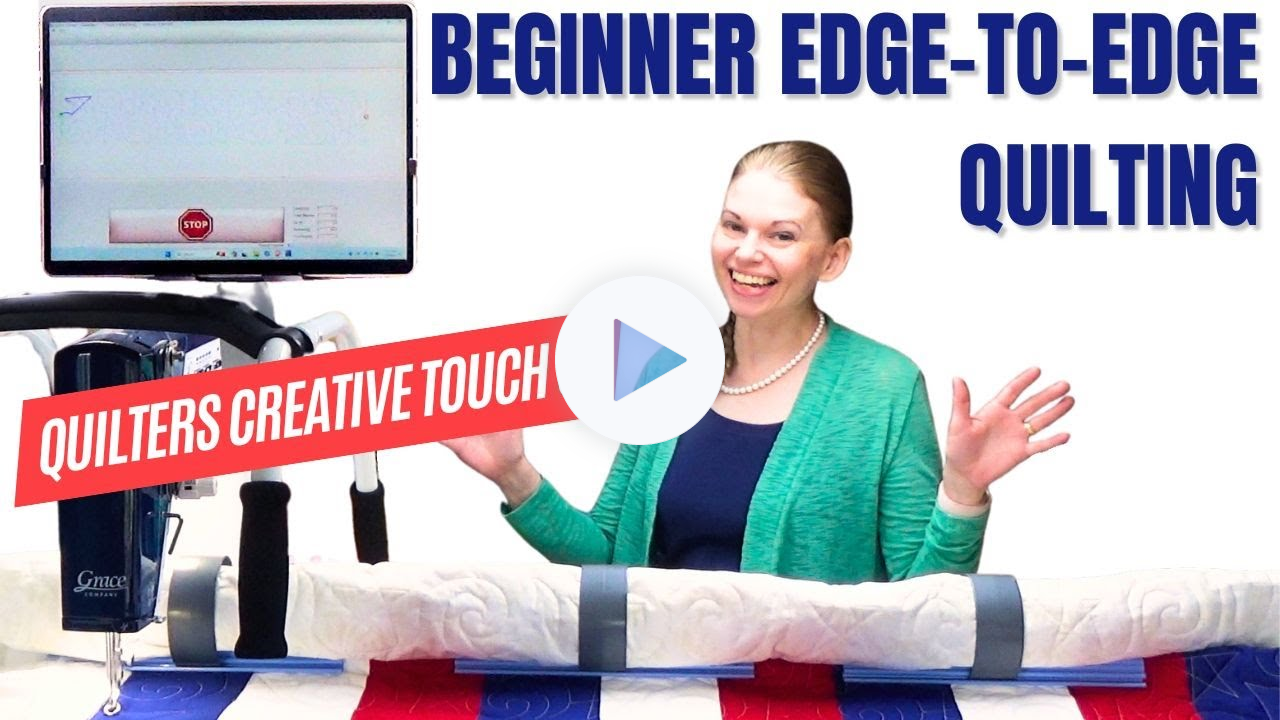
A - I want to do edge-to-edge quilting to finish 10 quilts by Christmas. I want to finish these quilts very fast and simply with soft quilting to add texture without overwhelming the piecing. Click Here to find the level for you.
B - I'm feeling a little bored with edge-to-edge quilting now and wanting to be able to quilt a different design in blocks and sashing, maybe a simple design for the borders. We've got you covered! Here's a tutorial to learn more.
C - I want full, custom quilting in every space on my quilt! I want to be able to design my own designs, record designs and quilt them, edit, and
plan simple quilt layouts. That's all included in this software level.
D - Is it possible to make this circular design perfectly fit this hexagon I pieced?
Could I stitch this background design over these areas of the quilt, but cut out around these blocks? I want complete control over my borders too - more creativity, more designs, more everything! Yep, all that and more can be found in this QCT level.
What designs are included with the basic level - QCT
6?
QCT 6 is our starting level and it includes over 100 designs created by Grace Company, Karla Gerome, Lizzy Allen, Quilting Pantographs, and me! The designs included fit all sorts of themes like spring designs, summer designs, kid-friendly designs, dinosaurs, flowers, fillers and more.
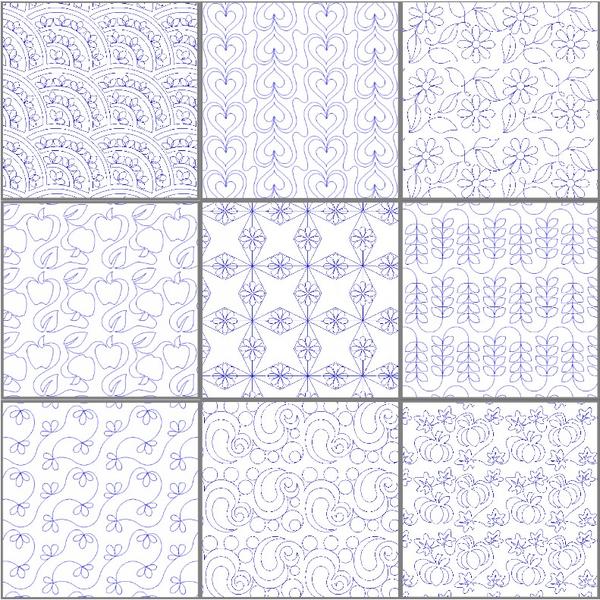
Here's a pic of my favorite 9 designs included with QCT 6: